











GamesFranchiseFive Nights at Freddy's 3

Five Nights at Freddy's 3

Developer:Scott Cawthon
Rating:4.6 (201,780 votes)
Released:2015
Technology:HTML5
Platforms:Browser (Desktop, Mobile)

Five Nights at Freddy's 3

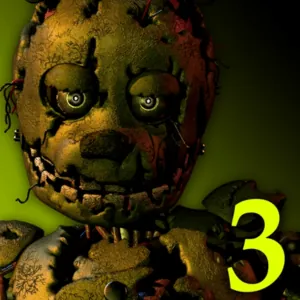
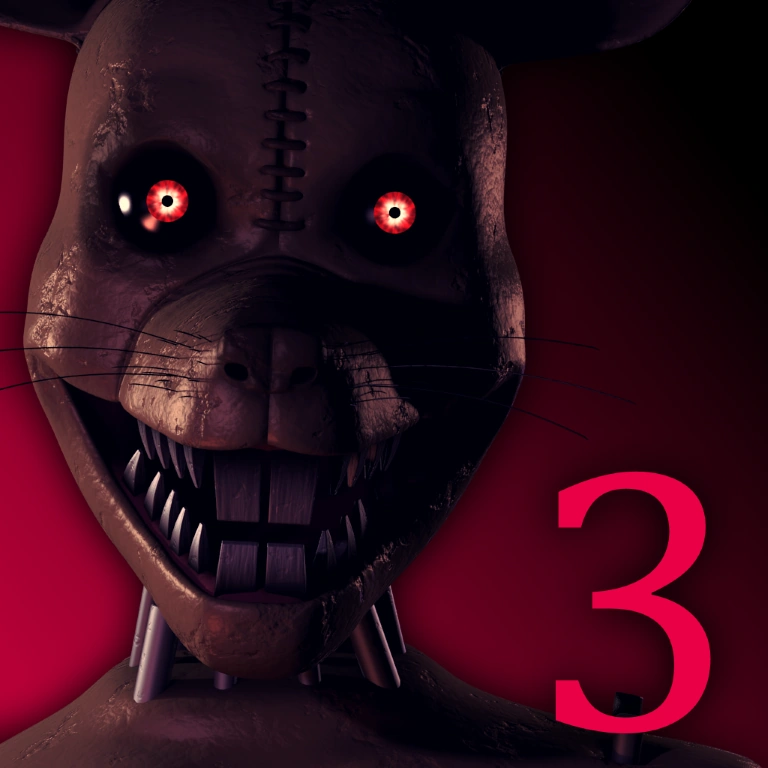
Thirty years after Freddy Fazbear's Pizza closed, its story has become a horror attraction. One real animatronic has been found inside, and your only chance is to keep Springtrap away while the attraction's systems fail around you.

About Five Nights at Freddy's 3

Five Nights at Freddy's 3 takes place inside Fazbear's Fright, a horror attraction built from relics connected to the old restaurants. Unlike the previous games, Springtrap is the only animatronic that can directly end the night.

The security setup is divided into camera, audio and ventilation systems. Audio cues can lure Springtrap toward selected rooms, while vent seals block shortcuts that lead toward the office. System errors temporarily remove these tools and must be repaired from the maintenance panel.

Phantom animatronics cannot kill the player directly, but their appearances can trigger distractions and failures. Staying calm after a hallucination is essential because Springtrap continues moving while the systems are down.

What Makes This Game Different

  • One physical enemy, Springtrap, with multiple routes to the office.
  • Audio lures used to redirect movement.
  • Vents that can be sealed to remove dangerous shortcuts.
  • Camera, audio and ventilation errors that require reboots.
  • Phantom encounters that disrupt attention and system stability.

How to Play Five Nights at Freddy's 3

Use the camera network to locate Springtrap. Play the child audio in a nearby room to pull him away from the office, then seal the vent that gives him the fastest route forward.

Watch the system status. If audio or cameras fail, reboot the affected system. If several systems fail together, the full reboot can be useful, but it also leaves you without information for longer.

Avoid staring at phantom characters when possible. After a disruption, restore ventilation first if warning effects make it difficult to see, then re-establish Springtrap's position.

Controls

ActionDesktopMobile-Touch
Open camera/maintenance panelsMouse click panel controlsTap panel controls
Switch camerasClick a room on the mapTap a room
Play audio lureClick the audio button on a cameraTap audio button
Seal or open a ventClick vent map and seal controlTap vent and seal control
Reboot systemsSelect a system in maintenance panelTap the system option

Beginner Tips

  • Keep Springtrap several rooms away instead of reacting only when he is near the office.
  • Seal the vent that connects his current route to the office.
  • Do not spam audio; confirm whether the lure changed his position.
  • Restore failed systems in the order that matches the immediate threat.
  • After a phantom encounter, locate Springtrap again before resuming the normal loop.

Frequently Asked Questions

Is Springtrap the only real enemy in FNAF 3?

Springtrap is the main physical threat. Phantom animatronics cause distractions and system problems rather than directly ending the night.

How does the audio lure work?

Playing the child audio on a camera can draw Springtrap toward that room, helping you guide him away from the office.

Why should I seal vents?

Vents let Springtrap bypass several rooms. Sealing the right vent can force him to take a slower route.

Which system should I reboot first?

It depends on the situation. Audio is crucial for redirection, cameras for tracking and ventilation for keeping the office stable and visible.

Does FNAF 3 have hidden endings?

The game includes hidden minigame conditions and story details that can affect the ending.